💻 Digital Art · 30 mins · 🌱 Beginner · Ages: 7-9 years, 10-12 years
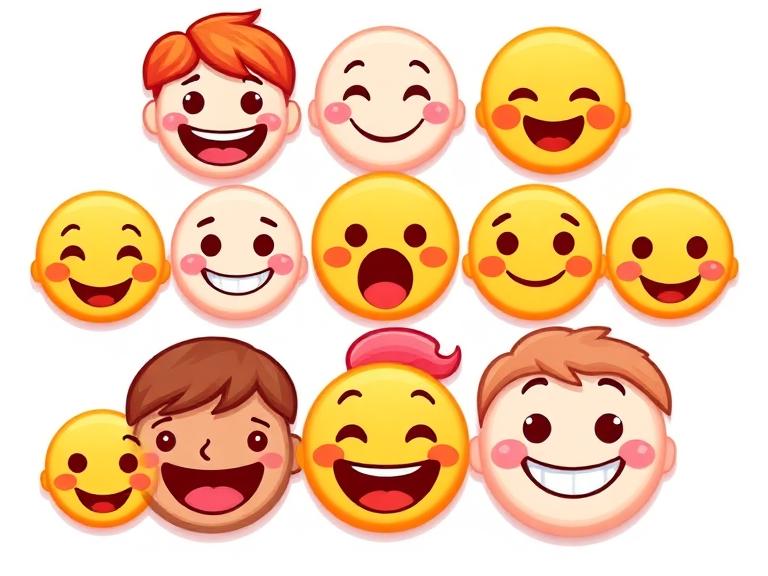
Create a set of custom emojis that express YOUR feelings! Design faces, objects, and silly characters using digital tools. Learn about visual communication, expression design, and how simple shapes convey big emotions. Your emoji pack will be one of a kind!
Materials Needed
- Computer or tablet
- Our Drawing Canvas tool
- Reference emojis for inspiration
Step-by-Step Instructions 📝
Plan your emoji set
Decide on 6-8 emojis to create. Include basic emotions (happy, sad, excited, confused) plus unique ones that represent YOU — maybe a "reading" emoji, a "soccer" emoji, or a "pizza love" emoji. Sketch rough ideas on paper first.
Tip: Think about emotions that don't have emojis yet. "Hangry"? "I forgot my homework"? "Best friends forever"? Be creative!
Draw the base circle
In the drawing tool, create a perfect circle for each emoji face. Fill it with classic emoji yellow, or try different colors for different moods — red for angry, blue for sad, green for sick. Add a subtle gradient for a 3D look.
Tip: Keep all your emojis the same size so they look like a matching set.
Add expressive eyes
Eyes are the most important part! Simple dots for calm, big circles for surprised, curved lines for happy/squinting, X shapes for dizzy. Eyebrow angles change everything — raised for surprise, angled down for anger, wavy for confusion.
Tip: Practice drawing the same face with different eyebrows — you'll see how dramatically the emotion changes with just that one detail!
Design the mouths and extras
Add mouths that match the emotion — wide smile, tiny frown, open O for surprise, wavy for nervous, tongue out for silly. Then add extras: tears, hearts for eyes, steam from ears, sparkles, sweat drops, or whatever tells the story.
Tip: Exaggerate features way beyond reality. The bigger and bolder, the more readable your emoji will be at small sizes.
Create non-face emojis
Design object emojis too! A slice of pizza, a cool skateboard, a book, a music note, or your pet. Keep the style consistent with your faces — same line thickness, same level of detail, same color saturation.
Tip: Think about what objects you'd actually use most in messages. Design emojis for YOUR life!
Arrange your emoji keyboard
Place all your emojis in a grid layout, like a real emoji keyboard. Add a title like "[Your Name]'s Emoji Pack." Screenshot or export the whole set. You can print them as stickers or share digitally with friends!
Tip: Print your emojis small on sticker paper and use them to decorate notebooks, letters, and cards!
You Did It! 🎉
Great job completing this project! Share your creation with friends and family, or try another project from our collection.
More Like This ✨
Digital Space Adventure
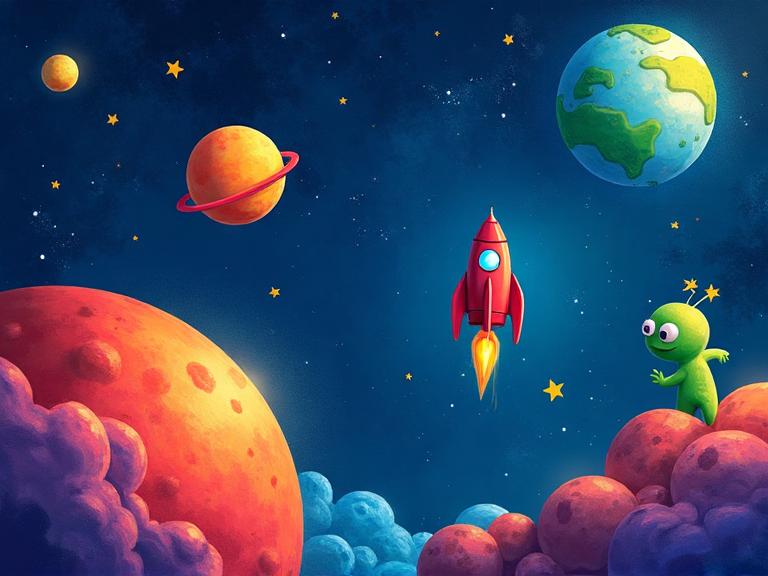
Create an amazing space scene using our digital drawing tool! Journey through the cosmos as you paint colorful planets, design your own rocket ship, and populate the universe with stars and friendly aliens. Perfect for kids who love both art and outer space!
Pixel Art Game Character
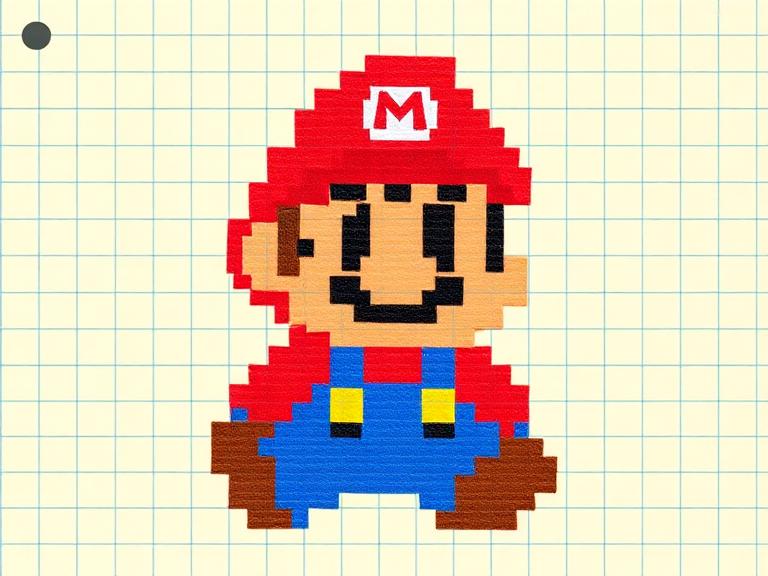
Design your own retro-style pixel art game character! Using our Pixel Art Creator tool, you'll plan a character on a grid, choose a limited color palette, and create sprites that look like they belong in a classic video game. 8-bit never goes out of style!
Character Design Workshop
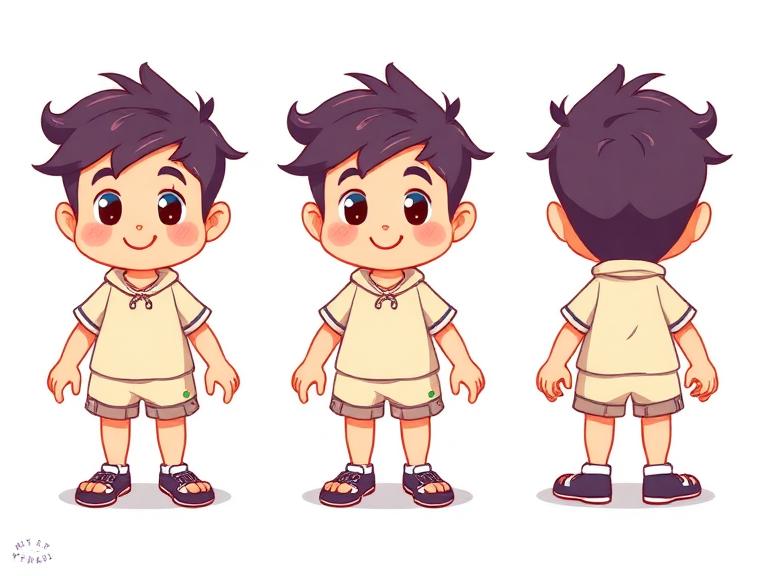
Learn professional character design techniques used in animation and video games! Create a character from scratch — personality first, then visual design. Build a complete character sheet with front, side, and expression views.
Materials You'll Need
- Computer or tablet
- Our Drawing Canvas tool
- Reference emojis for inspiration
Try It Digitally!
Use our online tool to create a digital version of this project.
Open Digital Tool