💻 Digital Art · 35 mins · 🌿 Intermediate · Ages: 10-12 years, 13+ years
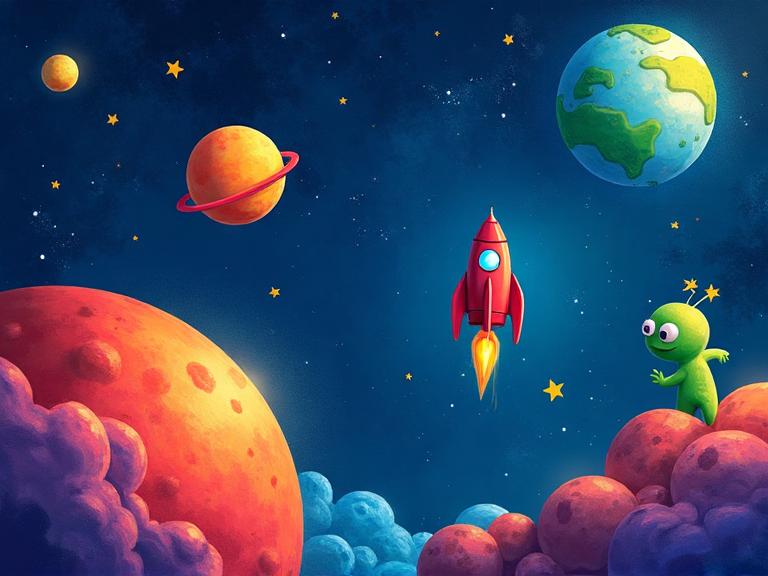
Create an amazing space scene using our digital drawing tool! Journey through the cosmos as you paint colorful planets, design your own rocket ship, and populate the universe with stars and friendly aliens. Perfect for kids who love both art and outer space!
Materials Needed
- Computer or tablet
- Our Drawing Canvas tool
- Mouse or stylus
Step-by-Step Instructions 📝
Set up your space canvas
Open the Drawing Canvas tool and select a large canvas size. Fill the entire background with a deep dark blue or black color. This will be the vast expanse of outer space where all your creations will live!
Tip: Try using a very dark navy blue instead of pure black — it makes the stars and planets pop more.
Create a starry sky
Select a small brush size and white color. Tap tiny dots all across your dark background — some big, some small, some clustered together. Add a few slightly larger stars with a soft glow effect. Sprinkle in some yellow and pale blue dots for variety.
Tip: Real space has areas that are dense with stars and areas that are sparse. Vary your dot density for a realistic look!
Paint colorful planets
Draw circles of different sizes for planets. Make each one unique — a red rocky planet with craters, a blue gas giant with swirling storm bands, a ringed planet like Saturn in gold and orange, and a small green planet with forests. Add shading by making one side lighter.
Tip: Use the circle tool if available, or draw freehand for a more artistic look. Layer lighter colors on top for highlights.
Design your spaceship
Draw your rocket or spaceship in the middle of the scene. Start with a pointed body shape, add wings or fins on the sides, a round window for the cockpit, and flame trails shooting from the engines. Use metallic grays, bright reds, and glowing blues.
Tip: Add motion lines behind the spaceship to make it look like it's zooming through space!
Add space creatures and details
Draw a friendly alien waving from a planet surface, or floating in a spacesuit. Add a comet streaking across the sky with a glowing tail. Include asteroids, a space station, or even a UFO! The universe is yours to fill.
Tip: Aliens can be any color and any shape — the weirder, the better! Give them fun expressions.
Final cosmic touches
Add a colorful nebula cloud using soft, blended purples, pinks, and blues. Draw light rays or lens flares near bright stars. Add tiny details like satellite dishes, flags on planets, or a "Welcome to Space" sign. Save and export your masterpiece!
Tip: Try adding a gradient glow behind a planet by layering translucent colors — it creates a beautiful atmosphere effect.
You Did It! 🎉
Great job completing this project! Share your creation with friends and family, or try another project from our collection.
More Like This ✨
Pixel Art Game Character
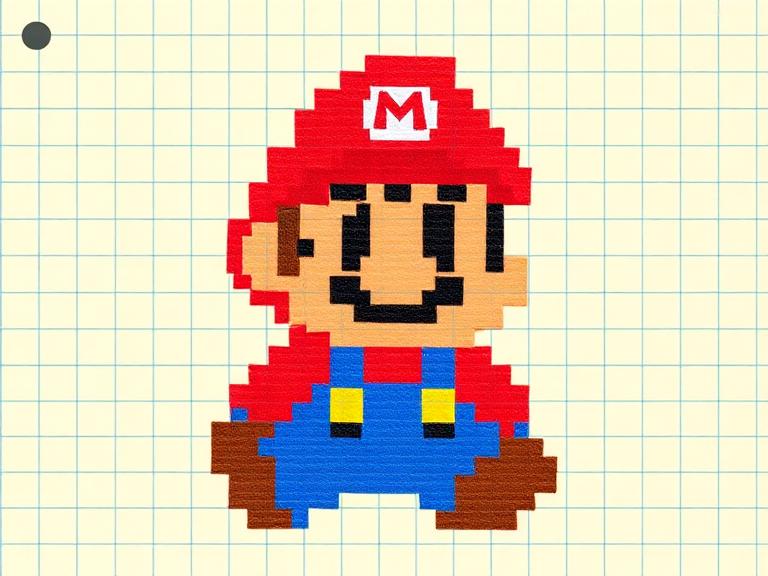
Design your own retro-style pixel art game character! Using our Pixel Art Creator tool, you'll plan a character on a grid, choose a limited color palette, and create sprites that look like they belong in a classic video game. 8-bit never goes out of style!
Design Your Own Emojis
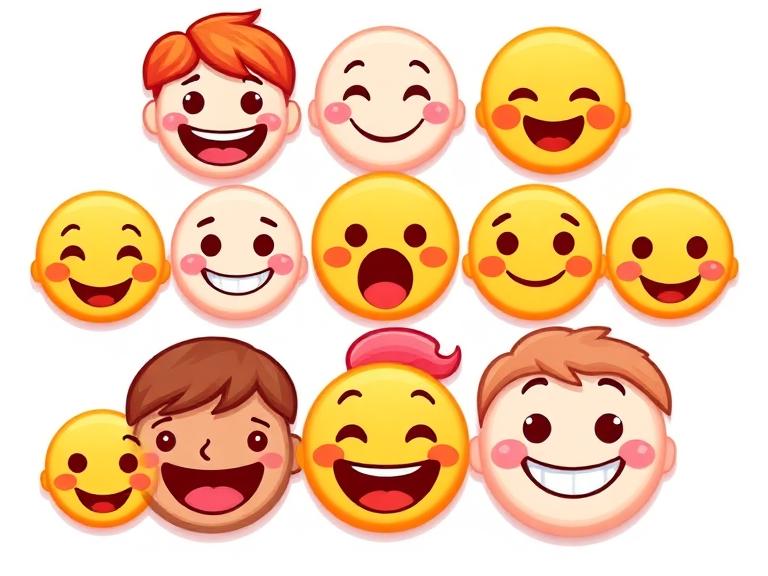
Create a set of custom emojis that express YOUR feelings! Design faces, objects, and silly characters using digital tools. Learn about visual communication, expression design, and how simple shapes convey big emotions. Your emoji pack will be one of a kind!
Character Design Workshop
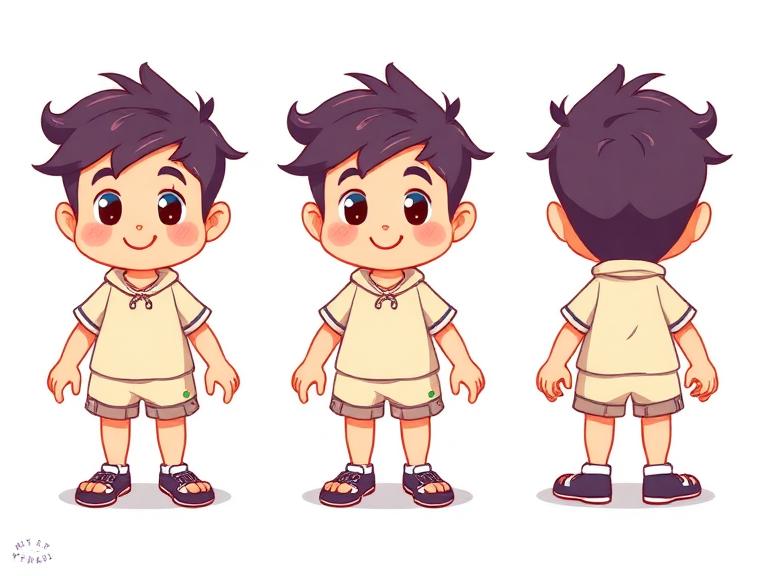
Learn professional character design techniques used in animation and video games! Create a character from scratch — personality first, then visual design. Build a complete character sheet with front, side, and expression views.
Materials You'll Need
- Computer or tablet
- Our Drawing Canvas tool
- Mouse or stylus
Try It Digitally!
Use our online tool to create a digital version of this project.
Open Digital Tool